Design Ideas
We Turned Our Christmas Decorations into Stickers
Most of what we photograph for the site comes from around the house. This December it was the Christmas box: felt snowmen, a crochet mitten, glass balls, a little toy shop that lights up, a gingerbread man that is really a cushion.
We cut each one out, then gave them a white edge and a small shadow so the whole set reads like a sheet of stickers. This is the result.
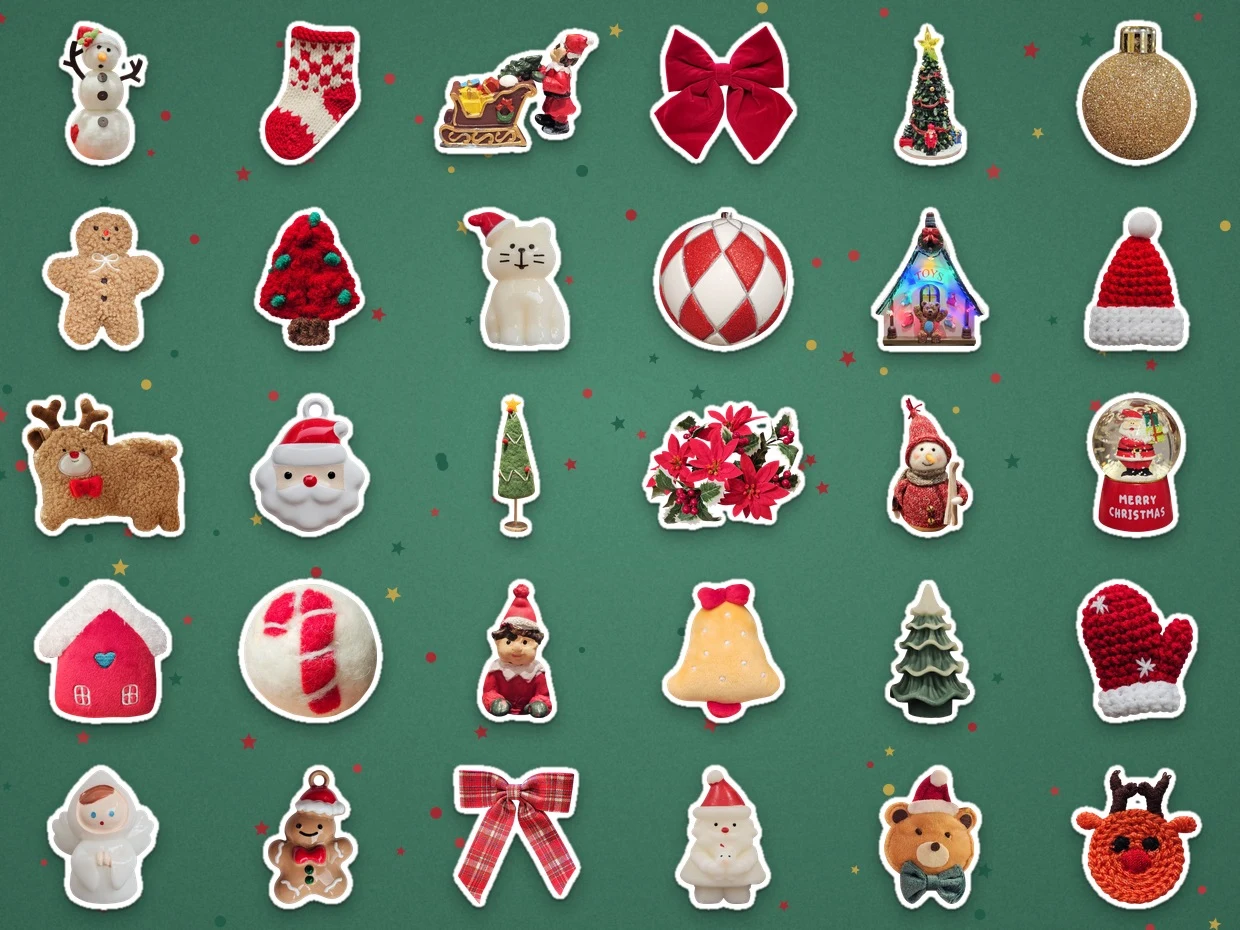
Making the sticker look yourself
You need a cut-out with a transparent background. From there it takes a minute.
In Canva
Select the image, choose Edit, then Shadows, and pick Outline. Set the color to white and the size to something small. Add a soft drop shadow on a copy underneath if you want the edge to show on a light page.
In Photoshop
Open Layer Style on the cut-out. Add a Stroke set to Outside, white, about 8 to 12 px for a print a few centimetres wide. Then a Drop Shadow at low opacity with a short distance. Keep the stroke thin; a thick one starts to look like a cartoon.
Printing them
- Size. 4 to 6 cm is about right for a journal page. These are small objects and look odd blown up.
- Paper. Matte sticker paper hides fingerprints and suits the felt and knit pieces. Glossy works for the glass balls.
- Cutting. Cut along the white edge rather than the object, so a little white stays visible all round. A Cricut or similar cutter with Print Then Cut does this from the PNG directly.
The decorations
A few of the ones in the picture, all free to download:
- Free
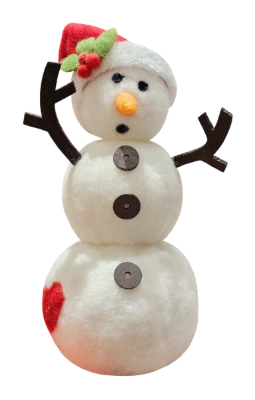 Felt Snowman in a Santa Hat
- Free
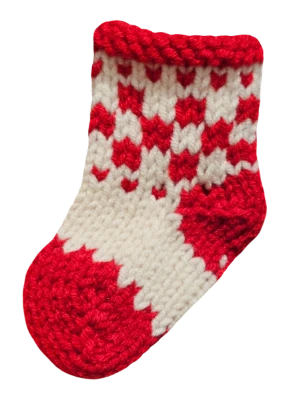 Red and White Knit Stocking
- Free
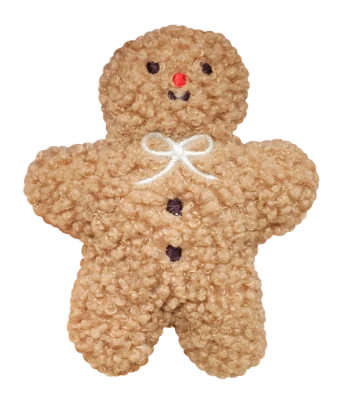 Plush Gingerbread Man
- Free
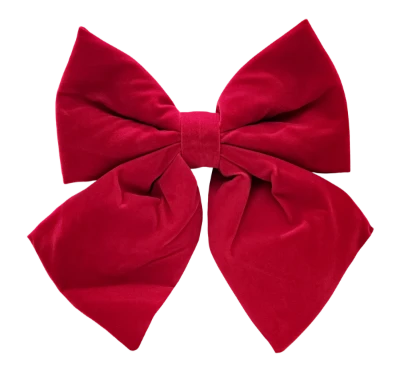 Red Velvet Bow
- Free
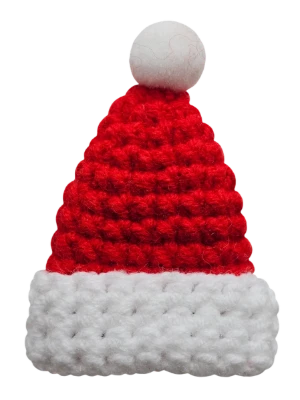 Crochet Santa Hat
- Free
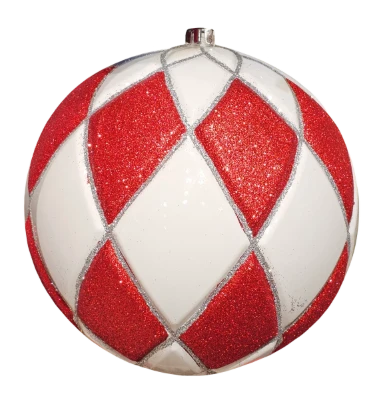 Harlequin Glass Ball
The full set of 94 is in the Christmas & Winter collection, or as one ZIP in the Christmas & Winter bundle.