A Wedding Invitation with Real Flowers — No. 1
PNG Heaven journal
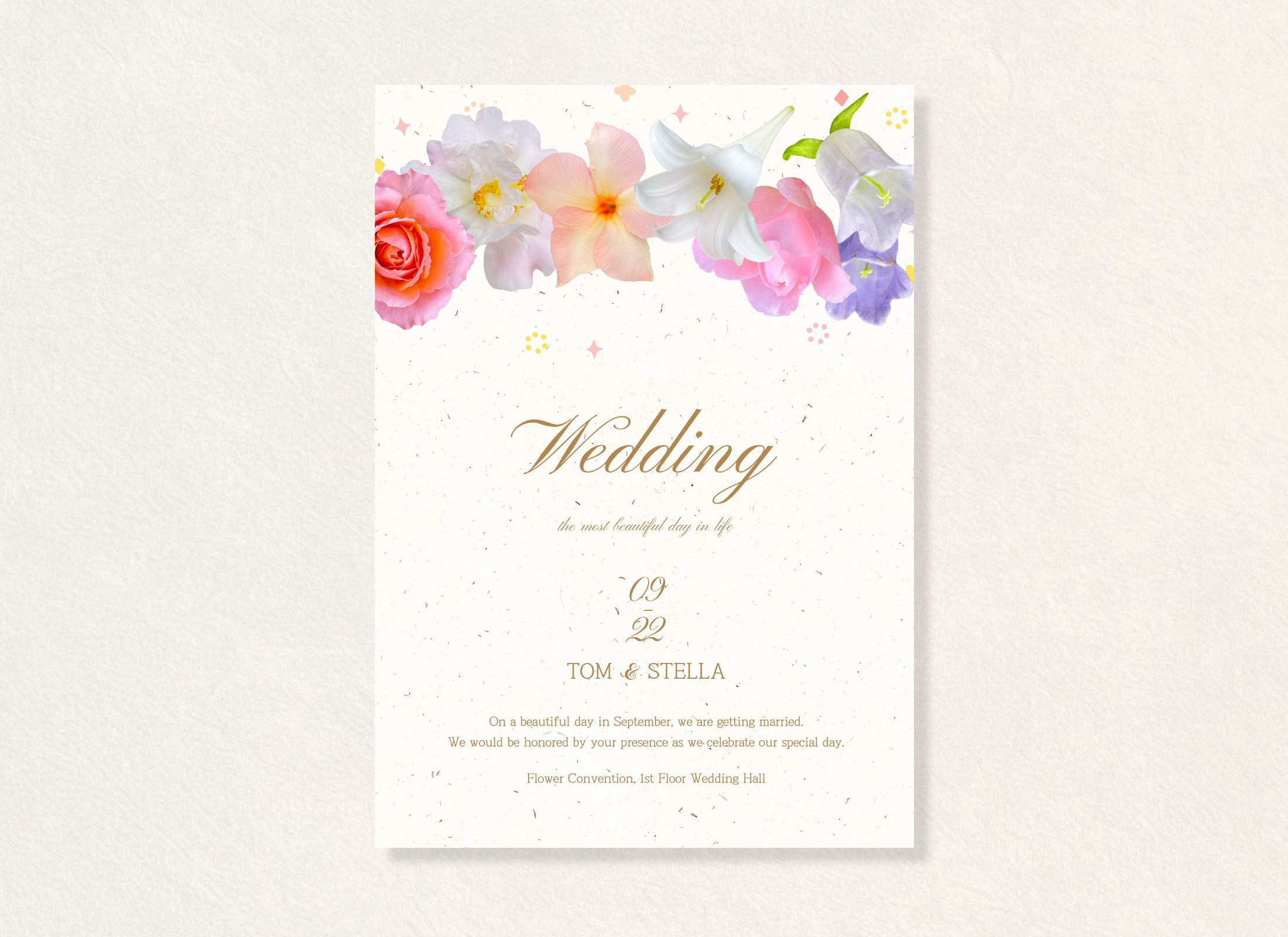
For this first wedding invitation, I wanted the flowers to be the part you notice first, while keeping the wording easy to read.
I used our real flower PNGs to bring a little of that fresh-flower feeling onto the page. What I like about photographed flowers is that they aren’t perfectly uniform. Each petal has its own shape, texture, and small details, which give the arrangement a more natural feel.
The vertical format gave me room to balance the flowers with the invitation text. I kept the wording simple and left space around it so the floral details wouldn’t overwhelm the message.
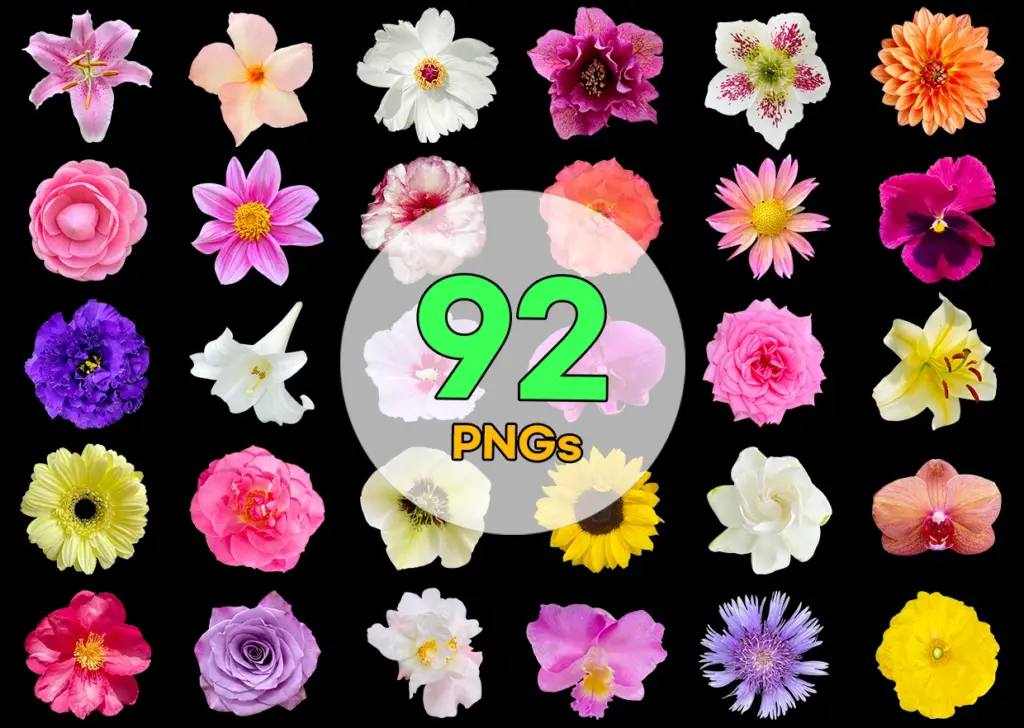
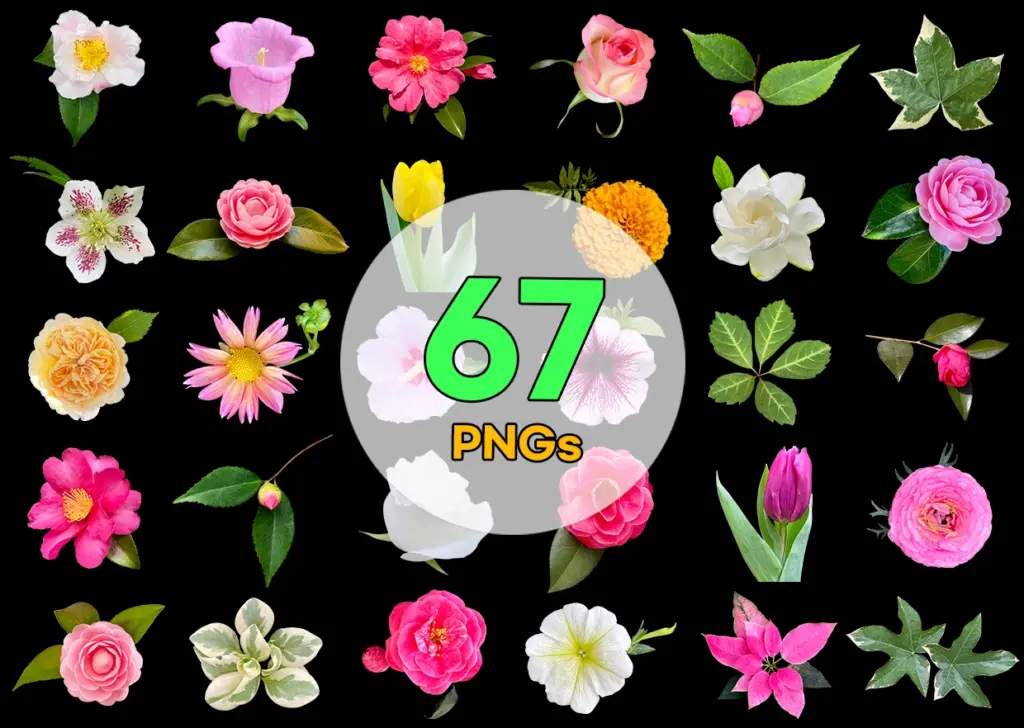
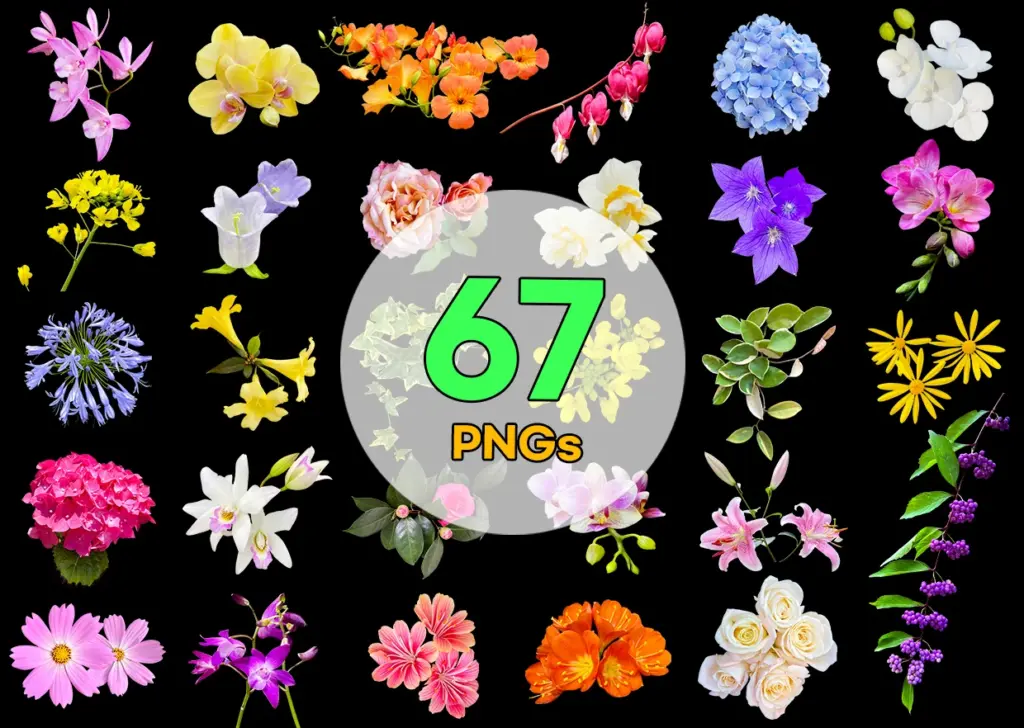
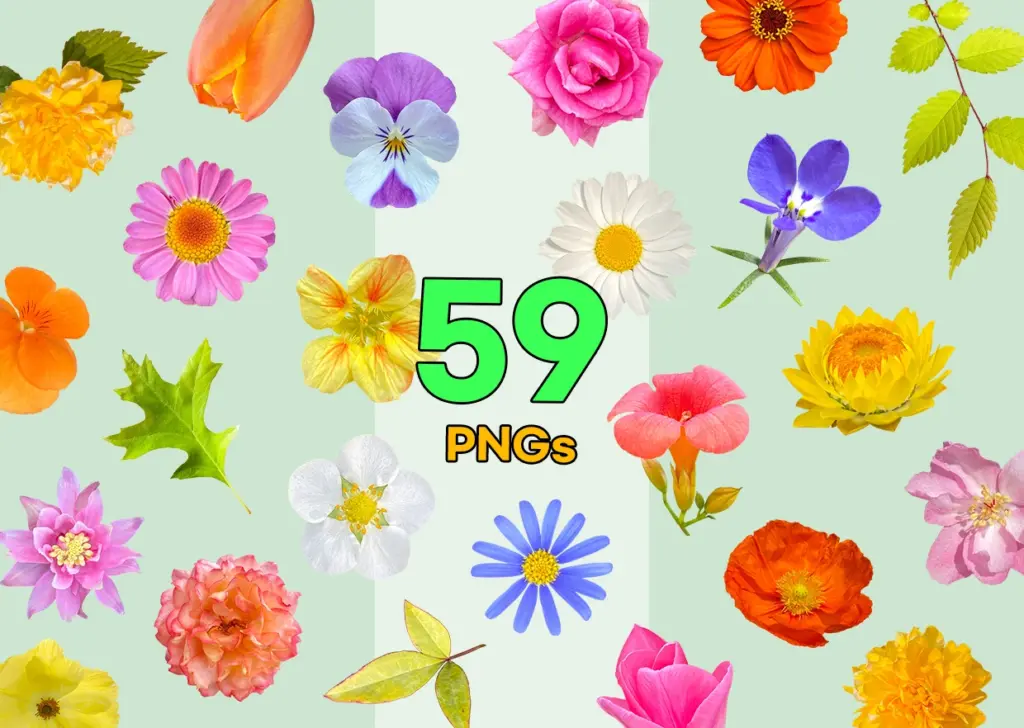
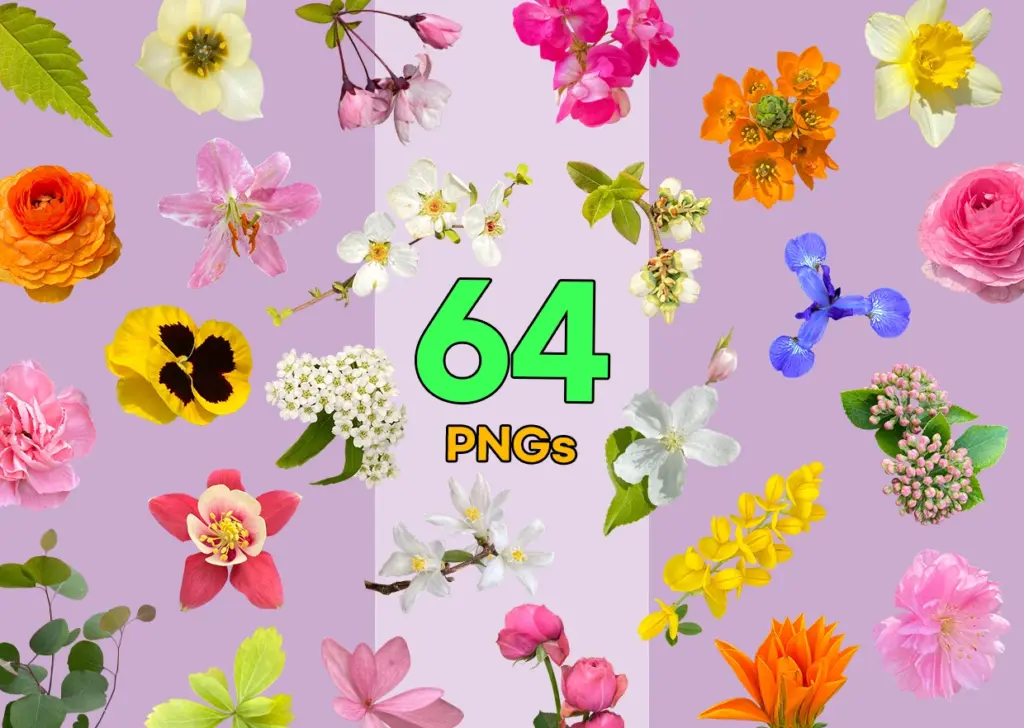
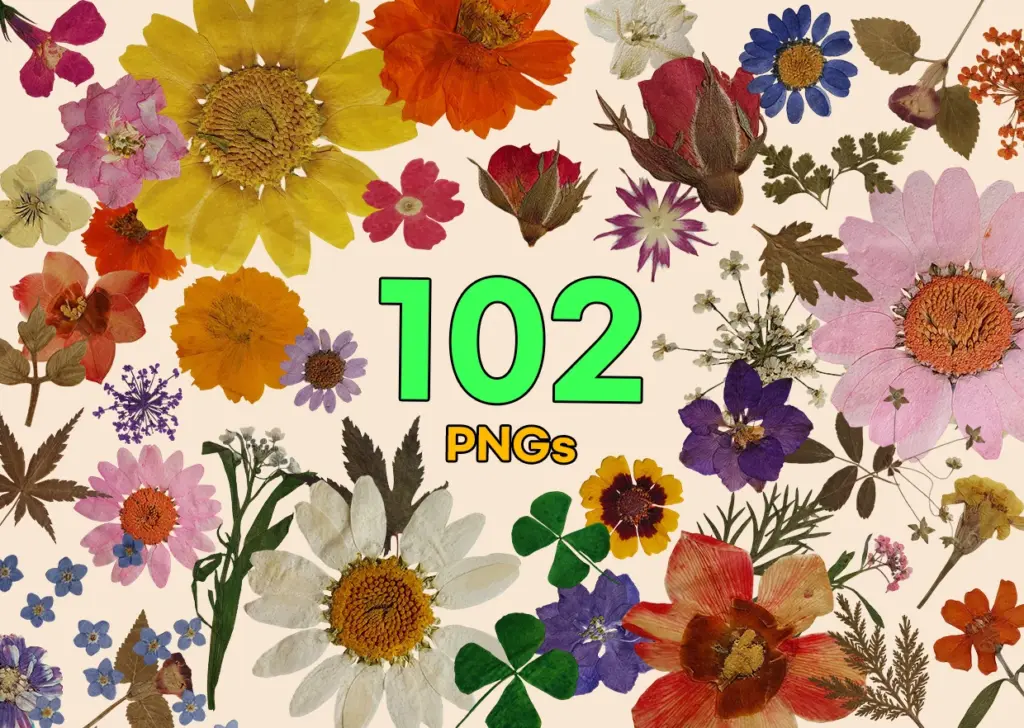
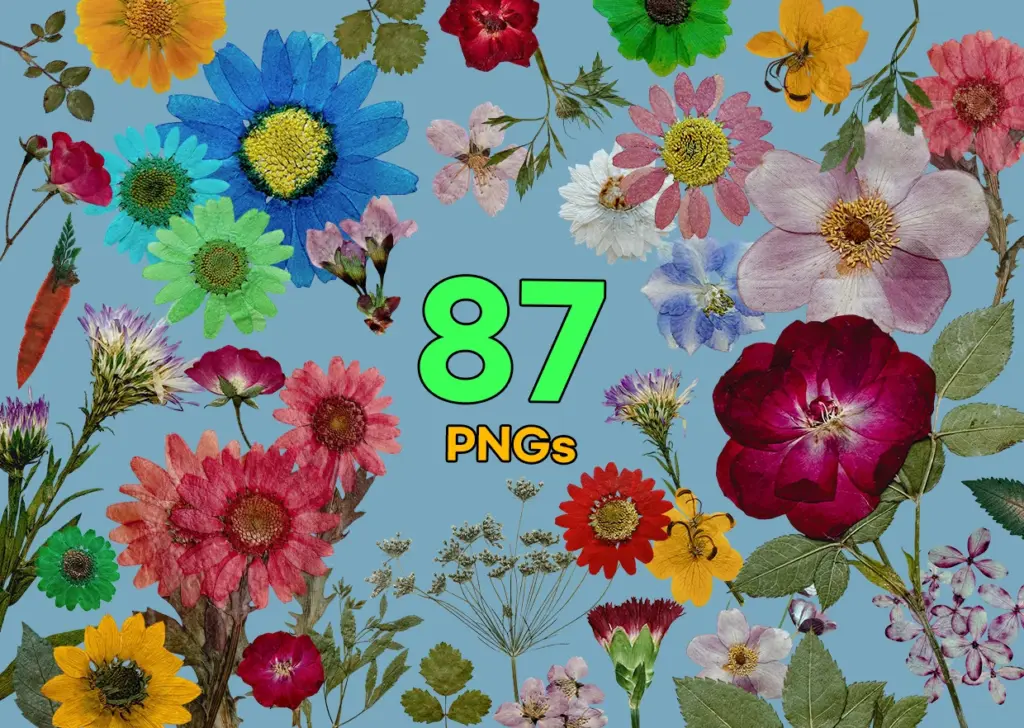
Below are the flower PNGs used in this design. If you’d like to try your own version, they can be resized, rotated, and arranged to suit your layout.
Flower PNGs Used in This Design
Background color
Make It Your Own
Choose one flower to lead the arrangement. A larger rose can give you a starting point, while smaller blooms help soften the edges. Try rotating a few flowers and letting them overlap slightly rather than lining everything up evenly. You can also leave part of a flower outside the edge of the invitation for a different look.
The colors don’t have to match this example. Keep to pink and cream for a softer palette, or bring in a little purple for contrast. Before adding another flower, zoom out and look at the whole invitation. Sometimes moving one bloom—or removing it altogether—makes the layout feel more settled.
Because the PNGs have transparent backgrounds, you can try them over different paper colors without a rectangular background around each flower. If you plan to print your design, check the image resolution at your chosen size and make a test print to see how the colors and smaller text come out.
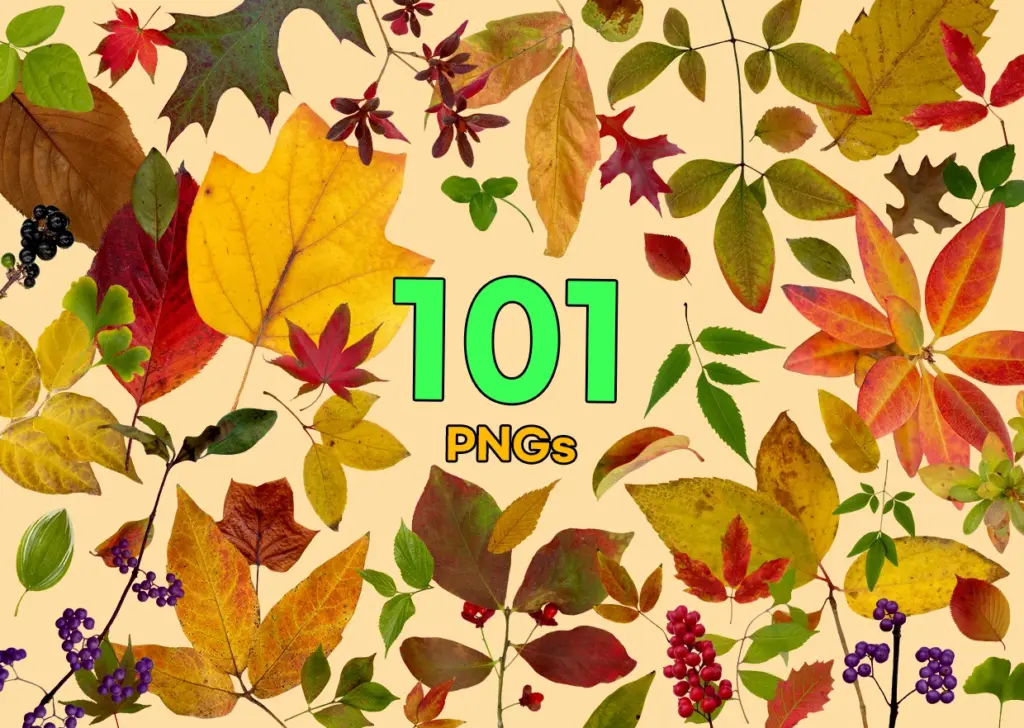
The collections below offer more flowers to experiment with, whether you’re making an invitation, a matching RSVP card, or a thank-you note.
Wow, so beautiful!